

Design at UCI
LoCafe
UX/UI Designer
DURATION
October 2023 - December 2023
(8 weeks)
TOOLS
Miro
Figma
TEAM
Thanusree Ammisetti
Emily Boo
Nina Nguyen
Isabelle Salvador
Context
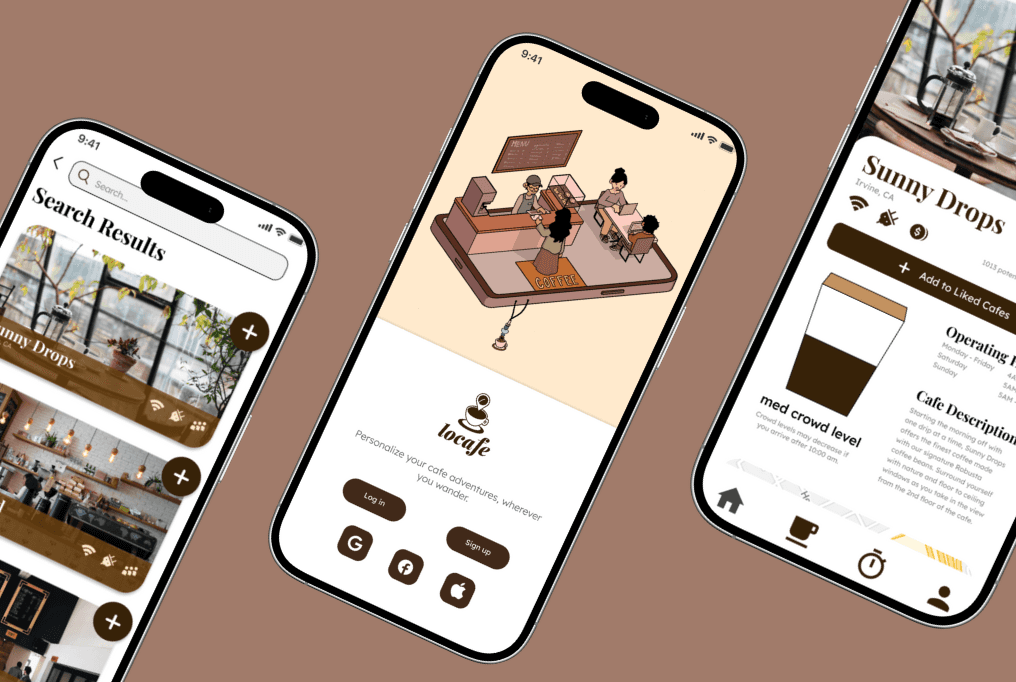
LoCafe is a mobile application to streamline the search for new cafes
My team designed a functional prototype to reduce the user friction in finding new cafes for work sessions or studying.
The Problem
Many face challenges in finding coffee shops for productivity
My team shared a common love for working at cafes, but also a common struggle to find new cafes that match our preferences—from suitable noise levels to specific ambiences.
How can we help college students to easily filter cafes for distance, availability, and atmosphere to satisfy their cafe experience?
Research
We surveyed 30+ college students and interviewed 4 UCI students
Key Findings
65% of students of students consider outlet availability important to their cafe search
55% of students strongly value the amount of seating at cafes
32% of students take location most into account and prefer cafes closer in distance
Overall, we discovered outlets, seating availability, Wi-Fi, and noise level are the most prioritized features respondents take into consideration when searching for cafes. Finding good nearby work environments are also big challenges faced when looking for cafes.
User Journey & Wireframes
We used our findings to target user pain points
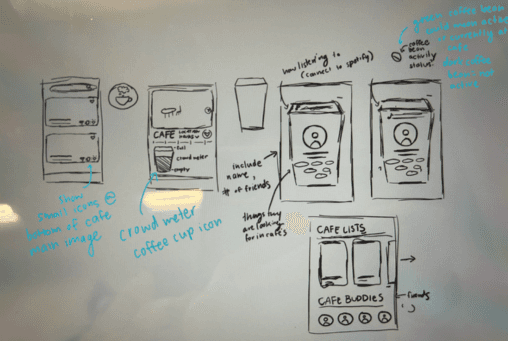
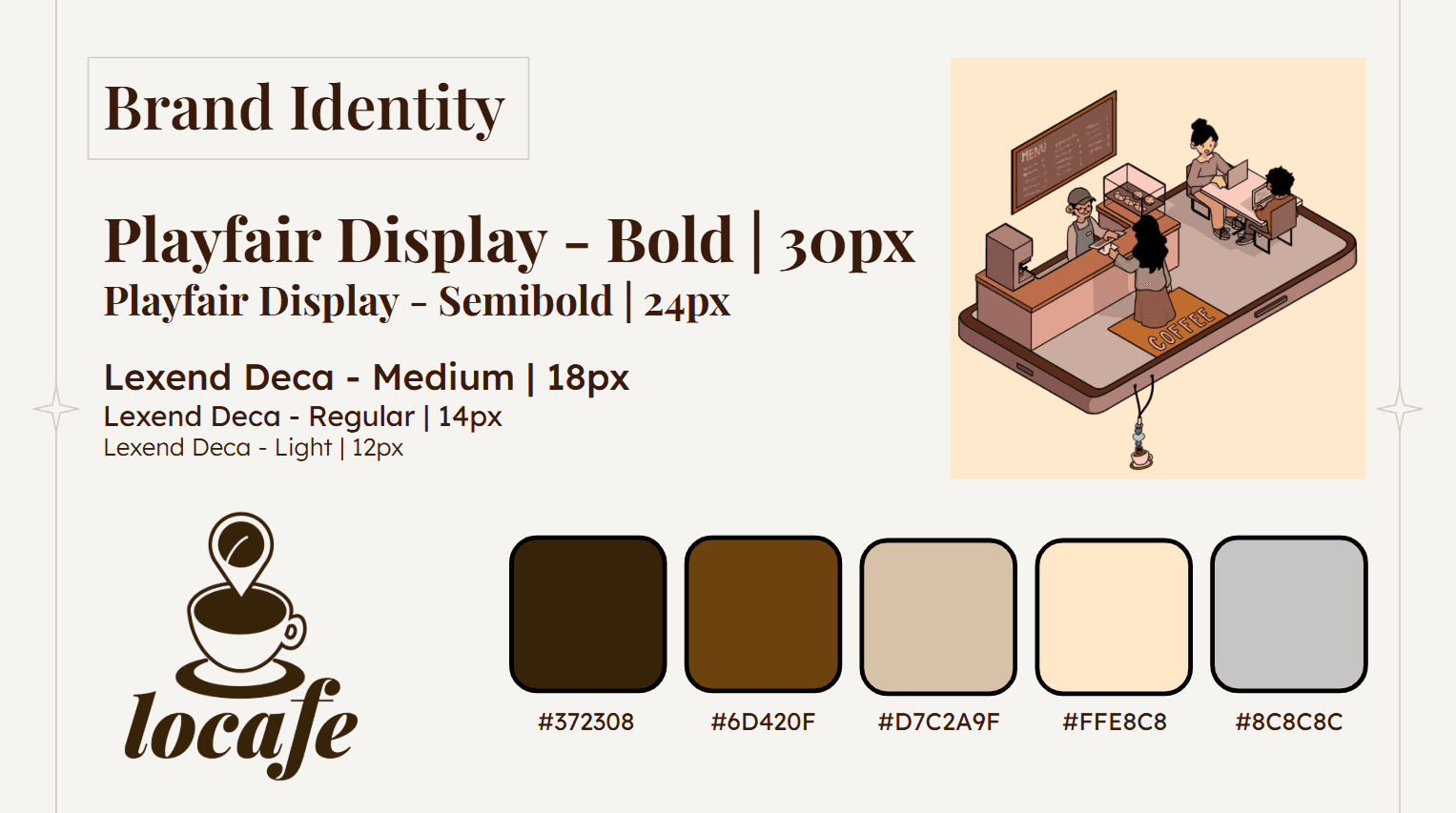
We created user/task flows, information architectures, and sketched out wireframes to address user needs. We then created a coffee-themed branding style to match our product's purpose and iterated through mid and high fidelity wireframes.
Low-Fi
Sketches of search functionality, cafe screen, and profile sections
Mid-Fi
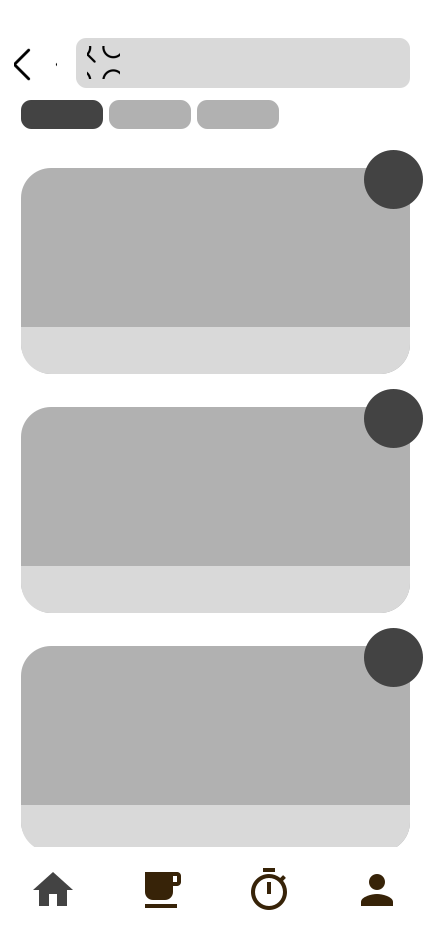
Cafe Search and Cafe Page Mid-Fis

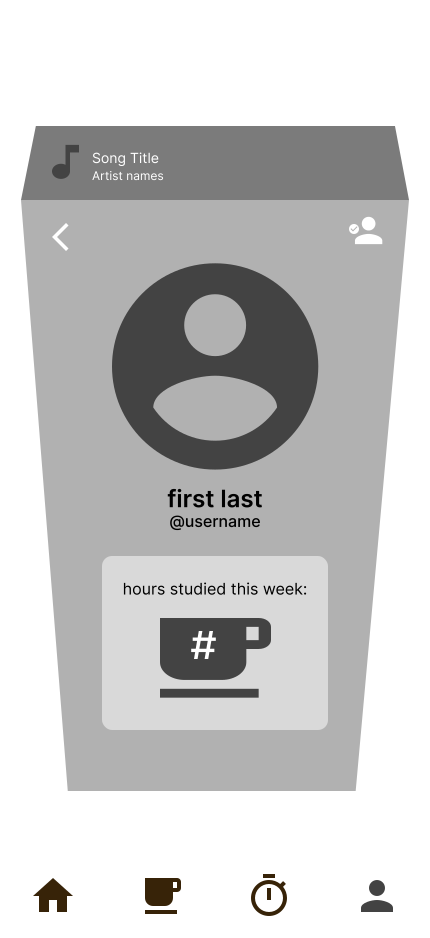
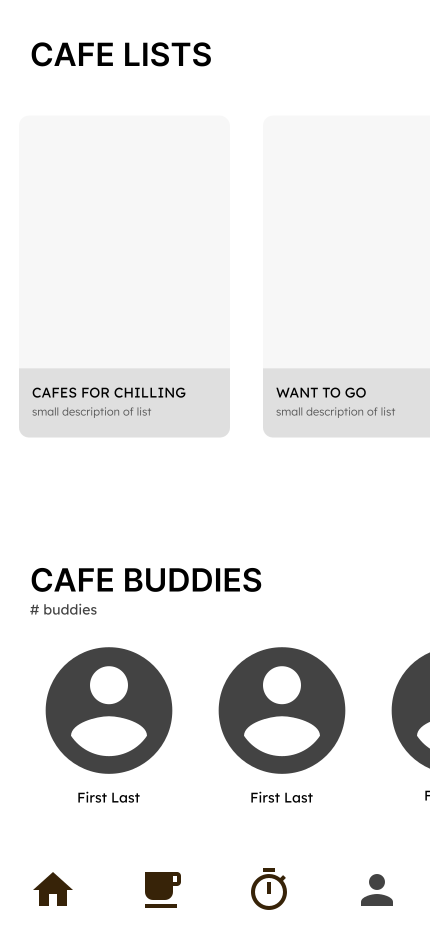
Cafe Profile Mid-Fi
Branding Style
Cafe Search and Cafe Profile Hi-Fis
Usability Testing
We conducted usability tests to monitor key user interactions
We observed the user account sign-up process, how users naturally navigate through the app's features, and noted if any features were missing or hindered usability.
Features
Feature #1
CAFE MATCHING
One of our app's main features is the capability to match users to local cafes based on preferences. Users take a short quiz at the beginning of the onboarding process to determine the user's needs. The selected preferences are used to filter through cafes and recommend those suitable for the user, which streamlines the process of manually needing to search for the perfect cafe.
We designed this feature to streamline how users find cafes. Rather than needing to search for individual preferences within a list of hundreds of cafes, we built this feature to offer suggestions directly to users. This not only saves time, but saves the effort of users needing to manually filter for preferences.
Cafe Matching functionality
Feature #2
CAFE LISTS
Find a cafe you like, but don't want to go to just yet? No worries! It can be saved within a Cafe List—a folder saved within a user's profile. This keeps all recommended cafes in one place and allows users to better store the cafes that satisfy their cafe experience
This feature makes it easy for users to personalize their experience and organize where they want to visit next. With a plethora of cafe options to choose from, Cafe Lists allow users to sort cafes for their own individual purposes.
Cafe Lists functionality
Feature #3
POMODORO TIMER
As an added extra fun feature, we included a Pomodoro Timer to supplement productivity.
This feature may seem unnecessary for the app's given purpose of finding cafes, but we made the decision to include it as a way to promote productivity. A majority of our target audience had preferences for cafes with focused work environments, so we built a Pomodoro Timer to bring an extra sense of focus to increase possibility of enjoying a new cafe environment.
Pomodoro Timer
We then created a case study presentation and presented our project to Design at UCI's member population.
Outcome
Our team was awarded the 3rd place prize out of 9 total teams
We presented our prototype at Design at UCI's Project Teams Demo Day and were glad to see our work highly praised by both the panel of judges and members of the organization.
Reflection
Incorporating feedback and reducing bias
Takeaway #1: Reflecting on Feedback
Throughout the beginning of our ideation process, our team had many different ideas for app features and often struggled to align with the same ideas. I learned how to clearly iterate my own ideas, while also listening to feedback and ideas from others. I was able to reflect on all ideas and created compromises that incorporated everyone's contributions.
Reflecting on our research process, since we pre-established our idea of creating an app to find cafes for productivity, our research questions may have been biased. A majority of our questions related directly to asking what productivity features users would want in a cafe app, rather than asking if productivity features were useful. In the future, I would ensure my research statements do not include confirmation bias to ensure I create a viable solution to my initial problem statement.
This Project Team experience was very rewarding and it is a project that truly resonates with me—and my love for cafes. I am so thankful for my team and all the work we put into creating this prototype.